How to Change Minecraft Username in 2026
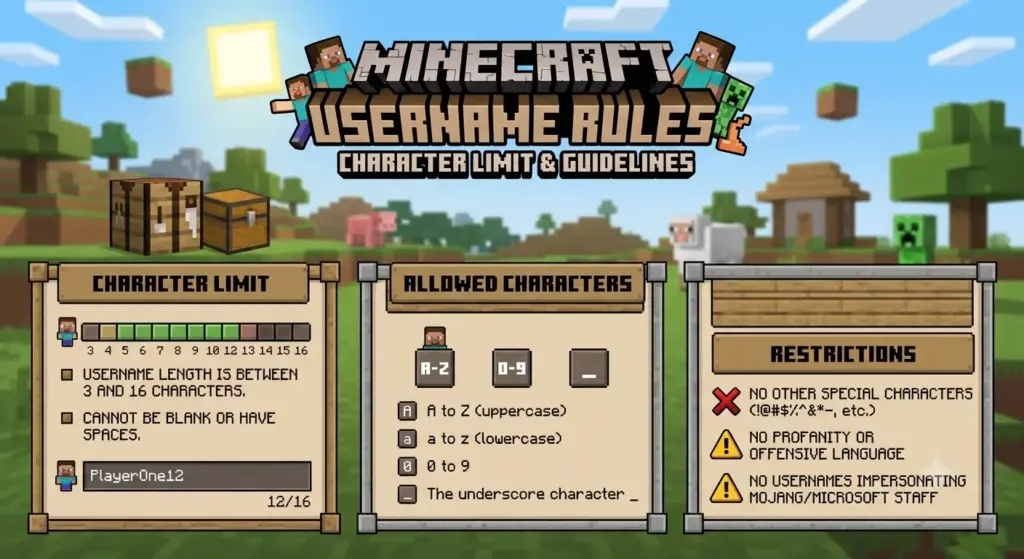
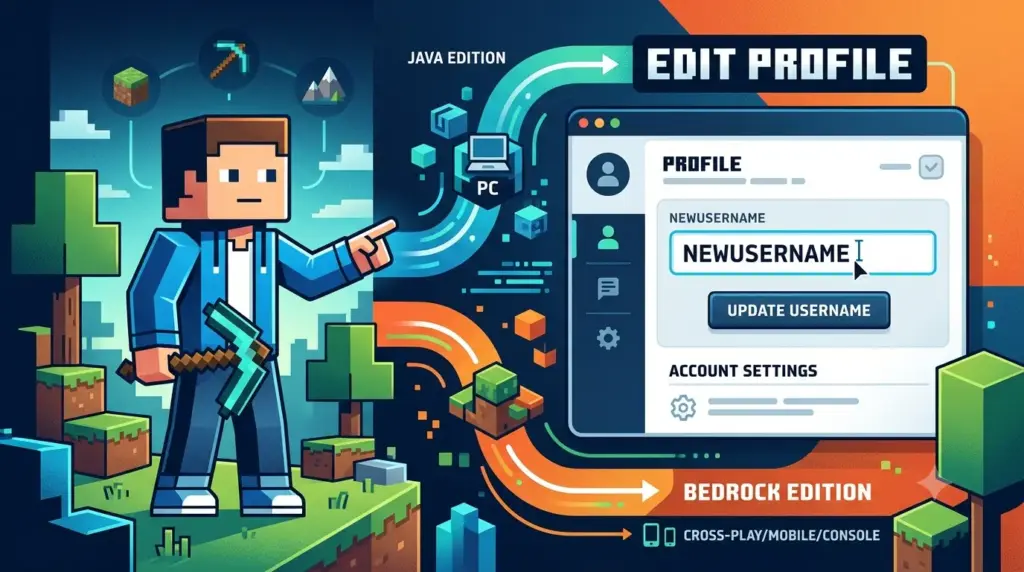
How to Change Minecraft Username in 2026 If you want to change your Minecraft username, the steps depend on which version of Minecraft you play. Minecraft Java Edition uses a Java profile name, while Minecraft Bedrock Edition generally uses the Xbox/Microsoft gamertag associated with your account. For Java Edition, you can change your profile name through Minecraft.net. Java profile names can be up to 16 characters, and Minecraft currently allows you to change the name once every 30 days. For Bedrock Edition, you need to change your Xbox/Microsoft gamertag instead. The exact process can vary depending on your platform. How to Change Your Minecraft Java Username Changing a Minecraft Java username only takes a few steps. Step 1: Go to Minecraft.net Open the official Minecraft website and sign in with the Microsoft account connected to your Minecraft Java Edition account. Make sure you use the correct Microsoft account. If you sign in to another account, you may not see the Java profile associated with the username you want to change. Step 2: Open All Games After signing in, go to the All Games section of Minecraft.net. Find Minecraft: Java Edition in your account. Step 3: Select Change Profile Name Under Minecraft: Java Edition, select Change Profile Name. This is the official option Minecraft provides for changing your Java Edition in-game name. Step 4: Enter Your New Username Type the new Minecraft username you want to use. Java profile names can be up to 16 characters long. For more details, see this guide to Minecraft username length. Before confirming, check your spelling carefully. If you make a mistake, you won’t be able to immediately change it again because of the 30-day restriction. Step 5: Confirm the Change Select Change Your Profile Name to finalize the change. Your new Java profile name is now associated with your Minecraft account. How Often Can You Change a Minecraft Java Username? You can change your Minecraft Java profile name once every 30 days. This means you should choose your new username carefully. For example, if you change your name on October 4, you cannot make another Java profile-name change until the 30-day period has passed. Minecraft also states that if you change your mind, you can return to your old name after waiting 30 days. How to Change Your Minecraft Bedrock Username Minecraft Bedrock Edition works differently from Java Edition. When you play Bedrock using a Microsoft account, your in-game character name is the gamertag associated with your Xbox/Microsoft account. Therefore, you don’t change a separate Minecraft Java-style username. Instead, you change your Xbox gamertag. Step 1: Go to Xbox.com Visit the official Xbox website and sign in using the Microsoft account you use with Minecraft. Step 2: Open Your Xbox Profile Open your account and view your Xbox profile. Step 3: Edit Your Gamertag Select the pencil/edit icon next to your gamertag. Step 4: Choose a New Gamertag Enter the new gamertag you want to use and follow Microsoft’s instructions to complete the change. Minecraft’s official support documentation confirms that the Bedrock in-game name is tied to the Xbox/Microsoft gamertag. How to Change Your Minecraft Name on Xbox If you play Minecraft Bedrock on Xbox, you can change your gamertag directly from your console. Press the Xbox button on your controller. Open Profile & system. Select your Xbox profile. Select My profile. Choose Customize profile. Select your current gamertag. Follow the instructions to choose a new gamertag. These are the steps provided by Minecraft’s official support documentation. How to Change Your Minecraft Name on PlayStation Minecraft’s naming system can be different on PlayStation. If you are playing Minecraft without linking a Microsoft account, your in-game profile name is associated with your PSN online ID. However, if you sign in to Minecraft with a Microsoft account, Minecraft says your in-game profile name changes to your Xbox gamertag. This is an important distinction for PlayStation players who are trying to figure out why changing their PSN name or Microsoft gamertag affects the name they see in Minecraft. How to Change Your Minecraft Name on Nintendo Switch On Nintendo Switch, Minecraft’s in-game name can be displayed as your Nintendo account nickname. To change it directly on the Switch: Start your Nintendo Switch. Open your profile page in the top-left corner. Go to the Profile tab. Select the pencil icon beside your profile name. Enter your new nickname. Minecraft’s official support page recommends Nintendo’s support instructions for changing the Nintendo account nickname. Java vs. Bedrock: What’s the Difference? The easiest way to avoid confusion is to understand that Minecraft Java and Bedrock don’t use exactly the same naming system. Feature Java Edition Bedrock Edition Name used in-game Java profile name Xbox/Microsoft gamertag Where you change it Minecraft.net Xbox/Microsoft account Java name limit Up to 16 characters Gamertag rules apply Change frequency Once every 30 days Depends on gamertag/platform rules Separate Minecraft profile name Yes No separate Java-style name Minecraft officially confirms that Java uses a Java profile name, while Bedrock uses the gamertag associated with the Xbox/Microsoft account. Can You Change Your Minecraft Username for Free? For Java Edition, changing your Java profile name is handled through your Minecraft account. For Bedrock, you’re changing your Xbox/Microsoft gamertag rather than a separate Minecraft username. Gamertag pricing can depend on Microsoft’s current account rules and whether you’ve changed the gamertag previously, so check the confirmation screen before completing a paid change. What Happens After You Change Your Minecraft Username? Changing your username doesn’t create a new Minecraft account. For Java Edition, you’re changing the profile name associated with your existing account. Your Minecraft account remains the same. The important thing to remember is that the name change and your account are two different things. You don’t need to create a new Minecraft account simply because you want a different username. What If Your New Minecraft Username Is Taken? If your preferred Java username isn’t available, you’ll need to choose another name. If you’re unsure why a name is unavailable,
How to Change Minecraft Username in 2026 Read More »